
An Employee Has Left. Do You Know What They Can Still Access?
Employee offboarding involves more than disabling an account. Learn how to remove access, close active sessions and protect company data when staff leave.
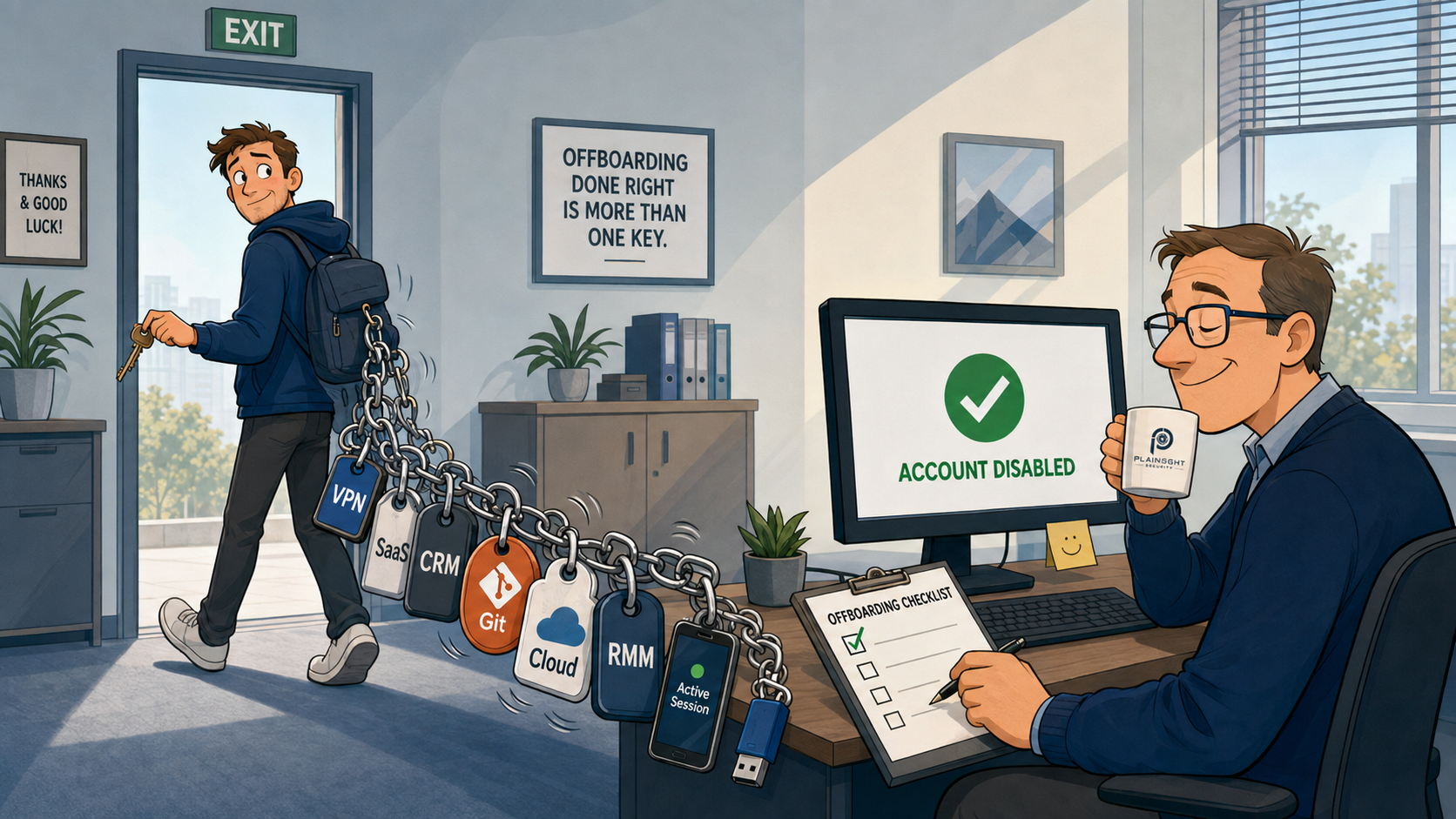
When an employee leaves a business, the focus is usually on the practicalities: collecting their laptop, removing their Microsoft 365 account and making sure they no longer appear on the payroll.
From a cybersecurity perspective, however, leaving the organisation is not the same thing as losing access to it.
A former employee may still have active sessions, access to SaaS applications, VPN credentials, saved passwords, API tokens or company data stored on a personal device. If they had administrative privileges, the risk can be considerably greater.
For SMEs in particular, where IT environments can grow organically and there may not be a complete inventory of every account and service in use, offboarding deserves to be treated as a security control rather than simply an HR task.
The employee leaves. What gets missed?
A typical offboarding process might involve:
- Disabling the employee's Microsoft 365 account
- Collecting their company laptop
- Removing them from a few key systems
- Informing relevant colleagues
That is a good start, but it may not cover everything.
Over time, employees accumulate access to systems they need to do their jobs. Some of these may be managed centrally by IT. Others may have been created by the employee themselves.
The result can be an organisation where nobody has a complete picture of what a departing employee can access.
Where can a former employee still have access?
Depending on their role, an employee could have accounts or credentials for:
- Microsoft 365
- VPN services
- Remote monitoring and management platforms
- SaaS applications
- Password managers
- Cloud platforms
- CRM systems
- Git repositories
- Customer portals
- Remote-access tools
- Shared accounts
There may also be services that the IT team does not know about at all.
For example, an employee may have registered their company email address with an online service several years ago. If that account contains company information or provides access to a business system, simply disabling their Microsoft 365 account does not necessarily resolve the problem.
This is one reason why maintaining an inventory of applications and identities is so important.
Active sessions are easy to forget
One of the more commonly misunderstood aspects of offboarding is the difference between disabling an account and terminating access.
A user may already have authenticated to a service and received a session token or refresh token. They may also have an active browser session, a mobile application session or an OAuth connection to another service.
Consequently, changing or disabling a password does not necessarily mean every existing authenticated session instantly disappears.
Microsoft 365 and Entra ID provide mechanisms for administrators to revoke sessions and refresh tokens, but these controls need to form part of the offboarding process rather than being assumed to happen automatically.
The important question is therefore not simply:
"Have we disabled their account?"
It is:
"Have we actively removed their ability to authenticate and continued access through existing sessions and credentials?"
What happens to the company's data?
Access is only half of the problem.
A departing employee may already have copies of company information.
Consider:
- OneDrive files
- SharePoint documents
- Locally stored files
- Customer information
- Files copied to USB devices
- Data stored on personal devices
- Documents downloaded from cloud services
The question isn't just:
"Can they log in?"
It is also:
"What company information do they still possess?"
This is particularly important when employees use laptops, mobile phones or other devices for work.
Simply collecting a company laptop does not tell you whether information has previously been copied elsewhere.
Good offboarding therefore needs to consider both access to information and copies of information that may already exist.
Privileged accounts require particular attention
Not every departing employee represents the same level of risk.
Someone who only uses email presents a very different offboarding requirement from someone who administers the company's infrastructure.
Particular attention should be given to employees with access to:
- Domain administrator accounts
- Entra administrators
- Global administrator accounts
- RMM platforms
- Firewalls
- Cloud infrastructure
- Backup systems
- Security platforms
- Source-code repositories
It is also important to consider shared or delegated credentials.
If an administrator knew the password for a shared account, disabling their personal account does not remove their knowledge of that password.
In some circumstances, shared credentials may therefore need to be changed as part of the offboarding process.
The same principle applies to API keys, access tokens, SSH keys and other credentials that may have been issued to an individual.
What about the accounts you don't know about?
This is where offboarding can expose a wider security problem: shadow IT.
Employees often sign up for services to get their jobs done. A developer might create a Git repository. A marketing employee might establish an account with an online marketing platform. A salesperson might register for a CRM integration.
The organisation may eventually have:
employee@company.co.uk
registered with dozens of external services.
If nobody knows those accounts exist, they are difficult to include in an offboarding process.
This is why identity management is about more than Microsoft 365. Businesses need to understand where corporate identities are being used and, where practical, which applications those identities can access.
A practical SME offboarding checklist
A formal process does not have to be complicated. The important thing is that it is consistent and covers more than the obvious accounts.
A basic checklist could include:
- Disable primary accounts
- Revoke active sessions
- Remove MFA methods
- Remove privileged access
- Remove VPN and RMM access
- Disable relevant SaaS accounts
- Transfer ownership of important data
- Secure and recover company devices
- Change shared credentials where necessary
- Review password-manager access
- Revoke API keys and other tokens
- Review external sharing permissions
- Document completion of the offboarding process
The exact steps will depend on the organisation and the employee's role, but having a documented process makes it much less likely that something important will be forgotten.
Try the 30-minute security exercise
There is a simple exercise that can tell you a lot about the maturity of your offboarding process.
Pick the last employee who left your organisation.
Now ask:
Could you prove exactly which systems they had access to?
Not just Microsoft 365.
Think about applications, VPNs, remote-access platforms, cloud services, repositories, customer portals, shared accounts and third-party services.
Then ask:
Could you prove that their access was removed?
And finally:
Could you identify what company data they had access to or may have taken with them?
If the answer to any of these questions is "I'm not sure", that does not necessarily mean you have a security incident.
It does, however, identify a security improvement opportunity.
Offboarding is part of your security boundary
Employee departures are inevitable. Forgotten access should not be.
A good offboarding process treats an employee's identity, devices, sessions, credentials, applications and data as interconnected parts of the security boundary.
Disabling a Microsoft 365 account is important, but it is only one step.
The real objective is simple:
When an employee leaves, their access should leave with them.

Written by
Mark Tomlinson
Our lead penetration tester, Mark Tomlinson, holds The Cyber Scheme Team Leader qualification in infrastructure penetration testing, an advanced certification recognised by the National Cyber Security Centre (NCSC) and used by professionals testing government systems and UK critical national infrastructure. Mark is also registered with the UK Cyber Security Council as a Principal Cyber Security Professional (PriCSP) specialising in Security Testing and holds an MSc in Computer Science with Cyber Security.
More about how we workPut this into practice.
Cyber Essentials, Cyber Essentials Plus, and penetration testing — fixed-price, plain English, and built to stay out of your way.