
Scattered Spider: how helpdesk impersonation defeats security controls
Discover how Scattered Spider uses helpdesk impersonation to compromise accounts, and what UK businesses should check to strengthen MFA recovery, identity verification and access controls.
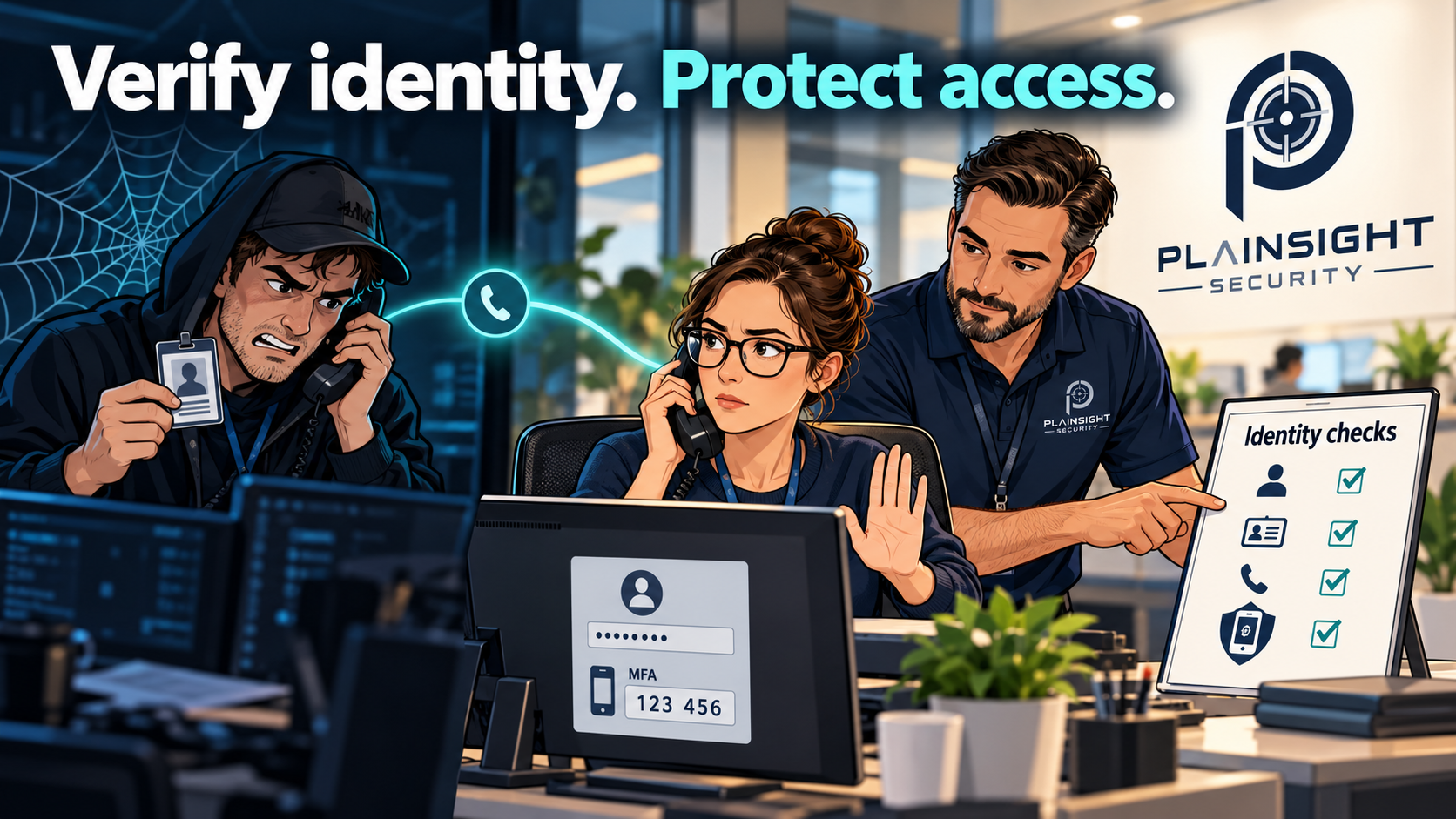
An organisation can have firewalls, endpoint protection and multi-factor authentication and still be compromised through a convincing phone call. Scattered Spider demonstrates why account recovery and identity verification deserve the same attention as technical security settings.
For business owners and IT managers, the useful question is what these attacks reveal about their own defences. Could someone impersonating an employee persuade your IT team to reset a password or register a new authentication device?
Who is Scattered Spider?
Scattered Spider is a cybercriminal group associated with social engineering, account compromise, data theft and extortion.
A joint advisory updated in July 2025 by agencies including the FBI, CISA and the UK’s National Cyber Security Centre describes attacks against large organisations and their contracted IT helpdesks. Reported techniques include impersonating employees and support staff, obtaining password resets, transferring MFA access to attacker-controlled devices, overwhelming users with authentication prompts and misusing legitimate remote-access software.
Those techniques expose weaknesses worth checking in businesses of any size. Smaller organisations also rely on helpdesks, cloud accounts and outsourced IT providers. The underlying lesson applies wherever someone can authorise access to company systems.
How can attackers get past MFA?
Multi-factor authentication is an important defence, but its effectiveness also depends on how accounts are enrolled, recovered and administered.
Consider an illustrative scenario:
An attacker contacts an IT helpdesk, claiming to be an employee who has lost their phone. They know the employee’s name, job title and manager. They explain that they urgently need access before an important meeting.
The helpdesk resets the password and allows a replacement authentication method to be registered.
MFA remains enabled. However, the attacker now controls the credentials and the newly registered authentication method.
This scenario illustrates a weakness in the recovery process. When assessing MFA, organisations should ask both whether it is enabled and who can change it.
Why convincing impersonation works
Names, job titles, reporting relationships and supplier details can help a caller appear credible. Much of this information may already be available through company websites and professional profiles.
Support staff also face pressure to restore access quickly. A caller invoking urgency, seniority or business disruption can make a routine verification step feel like an obstacle.
The defensive response should make secure decisions straightforward. Staff need a documented process, trusted contact information and permission to delay a request when identity cannot be established.
Knowing an employee’s details should not, by itself, be enough to authorise an account reset.
What should your business check?
| Area | Practical question |
|---|---|
| Password resets | How does the helpdesk establish that the requester is the account owner? |
| MFA recovery | Who can approve replacement authentication methods, and how is approval recorded? |
| Identity verification | Are checks independent of information supplied by the caller? |
| Trusted callbacks | Does staff verification use a previously recorded contact route? |
| Administrator accounts | Are privileged-account recovery requests subject to stronger checks? |
| Remote-access software | Can users install unapproved tools, and is their use reviewed? |
| Access permissions | Could one compromised account reach sensitive data or administrative systems? |
| Logging and alerts | Would unexpected MFA changes or privilege assignments be noticed? |
| Incident response | Can access be revoked quickly, including active sessions? |
These questions should cover your outsourced IT provider as well as your internal team.
An MSP may manage accounts across several customers. Ask how its staff verify requests, authorise privileged changes and escalate suspicious contact. Agree the process before an urgent request arrives.
Is phishing-resistant MFA enough?
Phishing-resistant authentication, such as appropriately implemented FIDO2 security keys or passkeys, can strengthen protection against credential phishing. The joint Scattered Spider advisory recommends phishing-resistant MFA.
Account recovery still needs careful design. Strong authentication can lose much of its value if a weaker support process allows an attacker to replace it.
Review enrolment, recovery, fallback methods and administrative overrides together. The objective is to protect the complete account lifecycle.
What can security testing establish?
Different assessments answer different questions.
A Microsoft 365 security review can examine relevant identity settings, administrative roles, authentication arrangements and logging, depending on the agreed scope.
An internal infrastructure penetration test can investigate what an attacker could achieve after gaining a foothold. This may include excessive permissions, exposed credentials, privilege escalation and movement between systems.
A web application penetration test can examine account-recovery functionality, authentication and access controls within the application’s scope.
Testing whether a helpdesk can be persuaded to reset an account requires a separately scoped and explicitly authorised social-engineering assessment. It should not be assumed to form part of a standard technical penetration test.
Each assessment should have a clear objective and written rules of engagement.
Does Cyber Essentials Plus cover these attacks?
Cyber Essentials and Cyber Essentials Plus provide assurance against the scheme’s defined technical controls. They are valuable foundations, but certification should not be interpreted as proof that a helpdesk will resist impersonation.
Organisations should assess account-recovery procedures, staff decision-making and wider attack paths alongside their technical baseline.
Strengthen the route back into an account
A useful first step is to walk through your password and MFA recovery procedures with your IT team or provider.
Identify who can approve a reset, what evidence they require, which trusted channels they use and how suspicious requests are handled. Then check what access a compromised account would provide.
Plainsight Security provides independent penetration testing and Microsoft 365 security reviews to help organisations understand their exposure and prioritise improvements. Contact us to discuss the controls and systems you want assessed.

Written by
Mark Tomlinson
Our lead penetration tester, Mark Tomlinson, holds The Cyber Scheme Team Leader qualification in infrastructure penetration testing, an advanced certification recognised by the National Cyber Security Centre (NCSC) and used by professionals testing government systems and UK critical national infrastructure. Mark is also registered with the UK Cyber Security Council as a Principal Cyber Security Professional (PriCSP) specialising in Security Testing and holds an MSc in Computer Science with Cyber Security.
More about how we workPut this into practice.
Cyber Essentials, Cyber Essentials Plus, and penetration testing — fixed-price, plain English, and built to stay out of your way.